
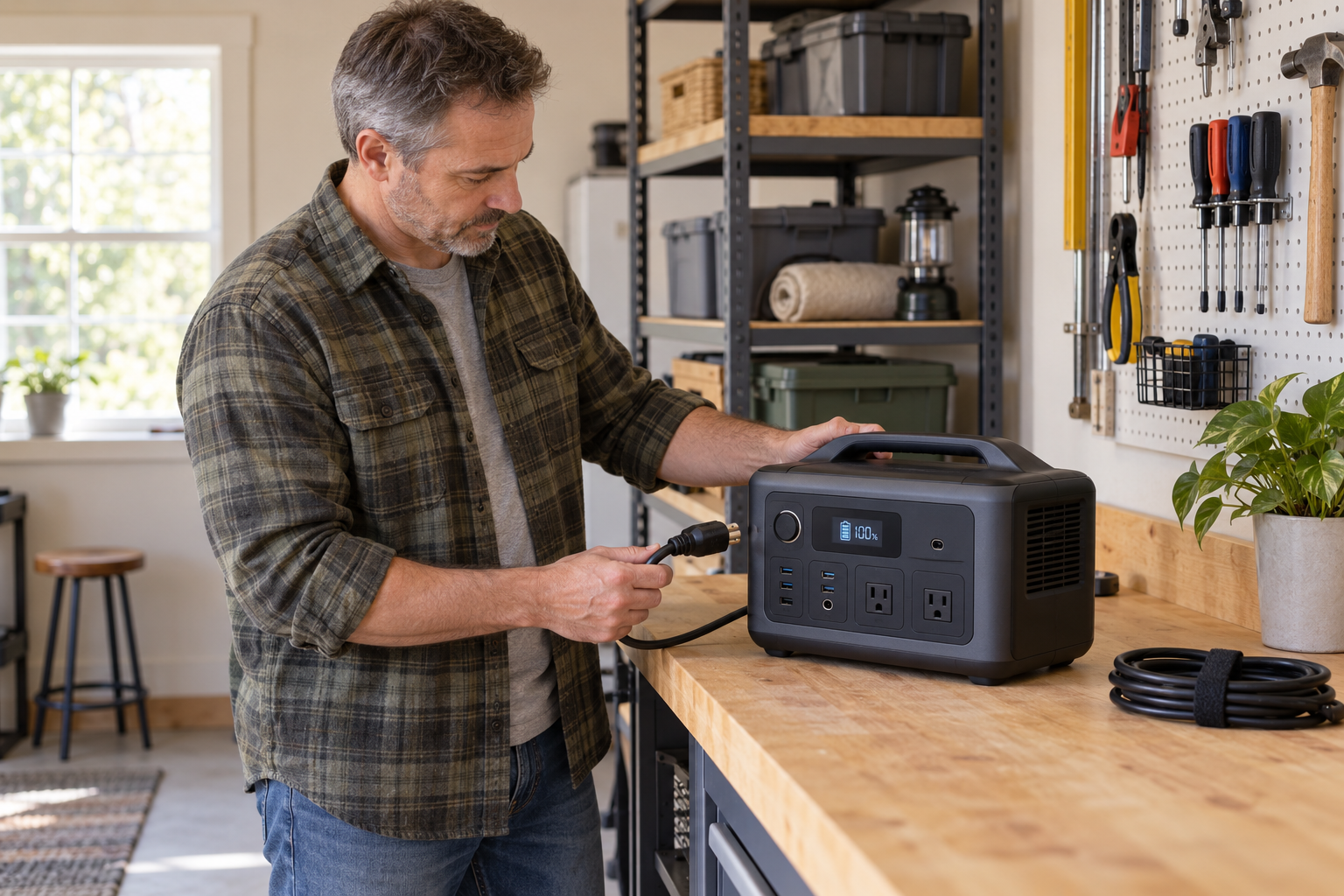
A portable power station is much easier to maintain than a gasoline generator. There is no oil to change, carburetor to clean or fuel to stabilize.
But easier does not mean maintenance-free.
A power station can sit quietly in a closet for months while its battery slowly loses charge. Heat, improper storage and repeated deep discharges can also reduce the amount of power it can deliver over time.
The good news is that portable power station maintenance is simple. A few minutes several times a year can help protect the battery and make it more likely that the unit will be ready when the lights go out.
Quick Answer
Keep the power station in a cool, dry location. Do not leave it stored with an empty battery. Check it at least every three months, recharge it according to the instructions for your exact model and test it before storm season or any expected outage.
The exact storage charge level is not the same for every power station. Your owner’s manual—not a generic percentage found online—should be the final authority.
Start With the Manual and the Model Number
Before creating a maintenance routine, find the manual for your exact model.
Do not assume that instructions for another unit from the same company apply to yours. Manufacturers may use different battery chemistries, battery-management systems and storage procedures in different product lines.
Record three things somewhere you can find them:
- The manufacturer and exact model number
- The serial number
- A link to or saved copy of the owner’s manual
The model and serial numbers also make it easier to check warranty information, contact support and determine whether the unit is affected by a safety recall.
There Is No Universal Storage Percentage
You will often see advice to store every lithium battery at 50% or 60%. That may be appropriate for some power stations, but it is not a safe universal rule.
Current manufacturer guidance illustrates the difference:
- EcoFlow’s DELTA 2 manual says to fully charge the unit and then discharge it to 60% for storage every three months.
- Jackery’s storage guidance advises recharging every three months and keeping the battery above 50% while it is not in use.
- Anker’s SOLIX C1000 Gen 2 guidance says to recharge the unit to 100% at least once every three months.
- Goal Zero’s product-care guidance recommends keeping many Yeti models connected to a power source during storage or fully charging them every three months if they cannot remain plugged in.
Those instructions are not interchangeable. They are examples of why Ready Chateau will not give every reader one storage number.
Follow the manual for your model. If the manual is missing or unclear, ask the manufacturer rather than guessing.
After You Use the Power Station
When the outage, camping trip or household project is over, do not simply put the power station back on the shelf.
- Turn off the outputs. AC outlets, USB ports and DC outputs can draw standby power on some units even when nothing useful is being powered. Turn off the outputs and then shut down the unit according to its manual.
- Disconnect everything. Remove appliances, charging cables, solar panels and expansion batteries unless the manufacturer specifically directs you to leave something connected during storage.
- Let it return to a safe temperature. If the unit became hot during use or charging, allow it to cool in a dry, well-ventilated area before storing it. Do not cover the vents or place it immediately into a closed cabinet while it is still warm.
- Inspect and clean it. Look for damage to the case, ports, plugs and cables. Wipe the exterior with a dry, soft cloth and remove loose dust from the vents without pushing debris into the unit. Do not spray cleaner or water into the power station.
- Set the proper storage charge. Recharge or discharge the unit to the level specified in its manual. Do not leave it near empty and assume you will remember it later.
Where You Store It Matters
The best storage location is cool, dry, clean and protected from direct sunlight.
A garage or shed may seem convenient, but it can become much hotter or colder than the air outside. A vehicle can become dangerously hot in the sun. The U.S. Fire Administration advises keeping lithium-ion batteries out of direct sunlight and hot vehicles.
Also keep the unit:
- Away from heaters, open flames and other heat sources
- Away from water, flooding and excessive humidity
- Where its vents will not be blocked
- Where it cannot be crushed, punctured or knocked from a shelf
- Away from materials that burn easily
- Where children and pets cannot tamper with the controls or cables
Do not use the operating-temperature range as the storage-temperature range. Charging, discharging and storage limits may be different. Check all three in the manual.
Be Especially Careful With Cold Batteries
Many portable power stations can supply power at temperatures that are too cold for charging. For example, several current models specify a minimum charging temperature around 32°F, but the limit varies.
If a power station has been stored in a cold vehicle, garage or shed, do not connect it to a charger just because the display turns on. Move it to a dry location and allow it to reach the charging-temperature range listed in its manual.
Some models include low-temperature charging protection, but that protection should be treated as a safeguard—not permission to ignore the manufacturer’s limits.
The Three-Month Check
Three months is a practical default reminder because several major manufacturers use that interval. If your manual requires a different schedule, use the shorter interval.
Every three months:
- Inspect the case for cracks, swelling, discoloration or other changes.
- Check the charging cable, plug and ports for damage, looseness or corrosion.
- Make sure the vents are clean and unobstructed.
- Turn the unit on and confirm that the display and controls operate normally.
- Check the remaining charge and service any expansion batteries separately.
- Recharge or cycle the battery exactly as the manufacturer instructs.
- Test the unit with a small, familiar load, such as a lamp or fan.
- Check the manufacturer’s support page and the Consumer Product Safety Commission recall database for notices affecting your model.
This is a function check, not a contest to see how far you can drain the battery. Unless the manual calls for a full discharge cycle, there is no reason to run the power station to zero merely to exercise it.
Test It Before You Need It
A charge indicator is helpful, but it does not prove that the outlets, inverter and cables will work with the equipment you plan to use.
Before storm season—and before a forecast outage—perform a realistic test:
- Charge the power station for emergency readiness according to its manual.
- Connect one or two of the devices you actually expect it to power.
- Confirm that the power station carries the load without warnings or unexpected shutdowns.
- Verify that the display, cooling fan and charging inputs operate normally.
- Return the battery to the manufacturer’s recommended storage condition after the test.
You do not need to recreate an all-day outage. The purpose is to discover a bad cable, damaged outlet, depleted battery or forgotten setting while normal power is still available.
If you are unsure what equipment your unit can support, start with our guide to choosing between a portable power station and a generator. If refrigeration is the priority, use our refrigerator runtime guide and calculator to estimate what your battery capacity may provide.
Remember that an estimate made when the unit was new may become less accurate as the battery ages. Actual runtime also changes with the appliance load, inverter losses, temperature and the condition of the battery.
Habits That Can Shorten Battery Life
Avoid these common mistakes:
- Leaving it completely discharged. A power station that continues to self-discharge in storage may eventually reach a condition from which it cannot recover normally.
- Storing it in heat. A hot vehicle, attic or unconditioned shed can expose the battery to temperatures outside its recommended range.
- Ignoring standby drain. A forgotten AC or DC output can slowly consume power while the unit appears to be stored.
- Using an incompatible charger or solar setup. Charging voltage, current, connectors and panel arrangements must remain within the limits specified for the unit.
- Blocking the vents. The inverter and charging system need airflow. Do not operate the power station inside a closed box or with clothing, papers or other objects covering it.
- Running every test to zero. A short function test normally tells you what you need to know. Follow the manual when a full charge-and-discharge cycle is required for maintenance or display calibration.
- Assuming the app replaces inspection. Remote settings and firmware tools can be useful, but they cannot reveal a cracked case, damaged cord or blocked vent.
Safety Warning: Know When to Stop Using It
Stop using or charging the power station if you notice:
- Swelling, bulging or a change in shape
- Cracks, impact damage or a damaged charging port
- Leaking or unusual discoloration
- An unfamiliar chemical or burning odor
- Hissing, popping or other unusual sounds
- Smoke, visible gas or rapidly increasing heat
- Repeated fault messages or shutdowns that the manual does not resolve
The U.S. Fire Administration identifies excessive heat, changes in shape, leaking, odors and unusual noises as warning signs for lithium-ion batteries.
If any of these signs appear, stop using the unit and keep people away from it. Disconnect power only if that can be done safely. Follow the manufacturer’s instructions for a damaged battery. If the unit is smoking, venting gas, rapidly heating or burning, leave the area and call 911.
Do not open the case or attempt to repair the battery pack yourself. A portable power station may still contain dangerous stored energy even when its display reads zero.
Check for Recalls
Recalls are not merely a concern for old or unknown brands. The Consumer Product Safety Commission has announced recalls involving portable power stations from established manufacturers because of fire, burn or electrical hazards.
Check the CPSC recall database when you buy a used power station, during your periodic maintenance review and whenever a unit begins behaving differently. Search by manufacturer and model number.
If your power station is recalled, stop using it and follow the recall instructions. Do not assume that ordinary battery-recycling procedures are appropriate for a recalled or damaged unit.
When the Battery Reaches the End of Its Life
A battery that provides less runtime than it did when new is not automatically dangerous. Batteries gradually lose usable capacity with age and use. The practical question is whether the remaining capacity still meets your emergency needs.
Consider manufacturer service or replacement when:
- Runtime has fallen below what your household requires.
- The battery loses a substantial amount of charge during a normal storage interval.
- The unit can no longer support loads it previously handled.
- Charging becomes unreliable or the unit reports persistent battery errors.
Do not put a portable power station or its lithium-ion battery in household trash or curbside recycling. The Environmental Protection Agency recommends taking lithium-ion batteries and battery-containing devices to an appropriate battery recycler, electronics recycler or household hazardous-waste collection point. Damaged or recalled units require special handling, so contact the manufacturer and the collection facility before transporting one.
A Simple Portable Power Station Maintenance Schedule
After Each Use
- Turn off outputs and disconnect equipment.
- Inspect the unit and charging cables.
- Let the unit cool and clean the vents if needed.
- Return the battery to the storage condition specified in the manual.
Every Three Months
- Check the remaining charge.
- Inspect the case, ports, cables and vents.
- Recharge or cycle the battery as directed.
- Run a short function test with a familiar load.
- Check for manufacturer notices and recalls.
Before Storm Season or an Expected Outage
- Charge the unit for emergency readiness.
- Test the equipment you expect it to power.
- Confirm that all required cables and adapters are stored with it.
- Review the maximum output and charging instructions.
Once a Year
- Review whether its remaining capacity still meets your household’s needs.
- Confirm that the manual, serial number and warranty information are accessible.
- Review battery-disposal options before an urgent problem forces the decision.
The Bottom Line
Portable power station maintenance is not complicated. Keep the unit cool and dry, do not let it sit empty, inspect it regularly and follow the storage instructions written for your exact model.
Most of the work takes only a few minutes. What matters is remembering to do it before the power station has spent another year untouched in the back of a closet.
The goal is not to preserve a battery forever. It is to know how much dependable power you have—and to keep it ready for the day your household needs it.